28th March 2007
Last night, I sat through part of Adobe’s CS3 launch and must admit that I came away intrigued. Products from the Macromedia stable have been very much brought under the Adobe umbrella and progressed to boot. One of these that attracts my interest in Dreamweaver and Adobe is promoting its AJAX capabilities (using the Spry library), its browser compatibility checking facility and integration with Photoshop, among other things. Dreamweaver’s CSS support also gets taken forward. In addition, Dreamweaver can now integrate with Adobe Bridge and Adobe Device Central. The latter allows you to preview how your site might look on a plethora of WAP-enabled mobile phones while the latter, unless I have been missing something, seems to have become a media manager supporting all of CS3 and not just Photoshop.
Speaking of Photoshop, this now gets such new features as smart filters, I think of these as adjustment layers for things like sharpening, monochrome conversion and much more. Raw image processing now has a non-destructive element, with Photoshop Lightroom being touted as a companion for the main Photoshop. Speaking of new additions to the Photoshop family, there is a new Extended edition for those working with digital imaging with a 3D aspect and this is targeted at scientists, engineers, medical professionals and others. It appears that data analysis and interpretation is becoming part of the Photoshop remit now as well.
Dreamweaver and Photoshop are the components of the suite in which I have most interest, while I also note that the Contribute editor now has blogging capabilities; it would be interesting to see how these work, especially given Word 2007’s support for blogging tools like WordPress and Blogger. Another member of note is Version Cue, adding version control to the mix and making CS3 more like a group of platforms than collections of applications.
Unsurprisingly, the changes are rung out for the rest of the suite with integration being a major theme and this very much encompasses Flash too. The sight of an image selection being copied straight into Dreamweaver was wondrous in its own way, and the rendering of Photoshop files into 3D images was also something to behold. The latter was used to demonstrate the optimisations that have been added for the Mac platform, a major selling point, apparently.
For me, the outstanding question is this: do I buy into all of this? It’s a good question because the computer enthusiast seems to be getting something of a sidelining lately. And that seems to be the impression left by Windows Vista, it gives the appearance that Microsoft is trying to be system administrator to the world. There is no doubt but CS3 is very grown up now and centred around work flows and processes. These have always been professional tools, with the present level of sophistication and pricing* very much reflecting this.
That said, enthusiasts like me have been known to use them too, at least for learning purposes. The latter point may yet cause me to get my hands on Photoshop CS3 with its powerful tools for digital imaging, while Dreamweaver is another story. Given it doesn’t fit what how I work now, this is an upgrade that I may give a miss, as impressive as it looks. For a learning experience, I might download a demo, but that would a separate matter from updating my web presence. This time next month may tell a tale…
- Pricing remains the bugbear for the U.K. market that it always has been. At the present exchange rates, we should be getting a much better deal on Adobe products than we do. For instance, Amazon.com has the Web Premium CS3 suite from Macromedia Studio 8 priced at $493.99 while it is £513.99 on Amazon.co.uk. Using the exchange rate current as I write this, £1 buying $1.96605, the U.K. price is a whopping $1010.53 in U.S. terms. To me, this looks like price gouging and Microsoft has been slated for this too. Thus, I wonder what will be said to Adobe on this one.
8th February 2007
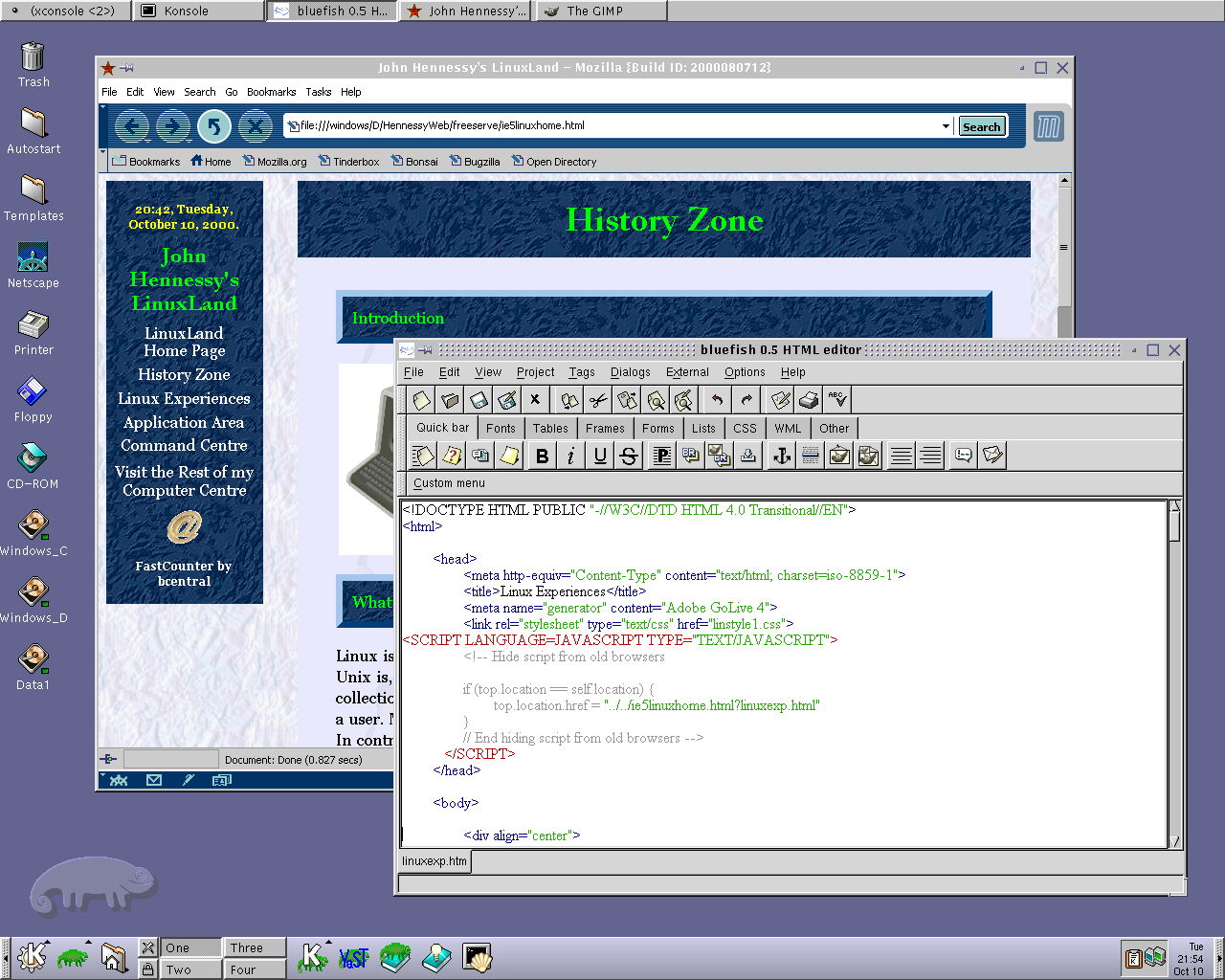
Recently, I have revisited an old website that I used to have online in and around 2000 that has since been retired for a while. One thing that it had in common with this blog was its focus on computer technology. While I don’t remember blogging being bandied about as a term back then, a weblog would have fulfilled the site’s much better. One of the sections of this old world website was dedicated to Linux and UNIX; this was where I collected and shared experienced my experiences of these. These days, unless it is held in some cache somewhere (rather unlikely, I think), the only place that it is found is what I bundled together in a tar.gz file for transfer to Linux. Irony strikes…
Back then, my choice of Linux was SuSE 6.2, followed by 6.4 from PC Plus DVD. It was the first, and only, Linux distro that I bought after exploring a selection of distros from cover-mounted CD’s in books and magazines. While I did like it, it wasn’t enough to tempt me away from Windows. I had issues with hardware, and they got in the way of a move. Apart from what some might judge to be clunkiness, there were fewer impediments on the software side.
I am a DIY system builder and there were issues with Linux support of my hardware, particularly my modem. Rather than being in possession of all the electronic wherewithal that a full modem would need, it got the operating system to do some of the work. The trouble was that this locked you into using Windows, hence its Winmodem moniker. Besides this, my Zip drive was vital to me and SuSE didn’t support it out of the box: a kernel recompilation was in order and could involve losing any extensions that SuSE had actually added. Another foible was non-support of a now obsolete UDMA 66 expansion card.
But improvements in hardware support were coming on the scene. Support for printing with CUPS, scanning with SANE and audio with ALSA was coming along nicely and has matured nicely. Apart from cases where vendors refuse to help the Open-Source community and bleeding-edge hardware that needs drivers to recoded according to the demands of GPL, things have come a long, long way.
Software-wise, the only thing holding me from migrating to Linux was my use of Microcal (now OriginLab) Origin, a scientific data visualisation and analysis package that was invaluable for my work. Even then, that could be run using WINE, the Windows API library for Linux. OpenOffice could easily have replaced MS Office for my purposes, unless formula editing was a feature outstanding from the specification. GIMP, once I had ascended the learning curve, would have coped with my graphics processing needs. After committing myself to non-visual web development, Bluefish and Quanta+ would have fulfilled my web development needs. Web technologies such as Perl, PHP, Apache and SQL have always been very much at home on Linux, so no issue there. At that stage, experimenting with these was very much in my future. Surprisingly, web browsing wasn’t that strong in Linux then. Mozilla was still in the alpha/beta development phase and needed many rough ends sorting, while the dreadful Netscape 4 was in full swing with offerings like nautilus coming on stream. Typography support was another area of development at the time, which fed through into how browsers rendered web pages. Downloading and compiling xfstt did resolve the situation.
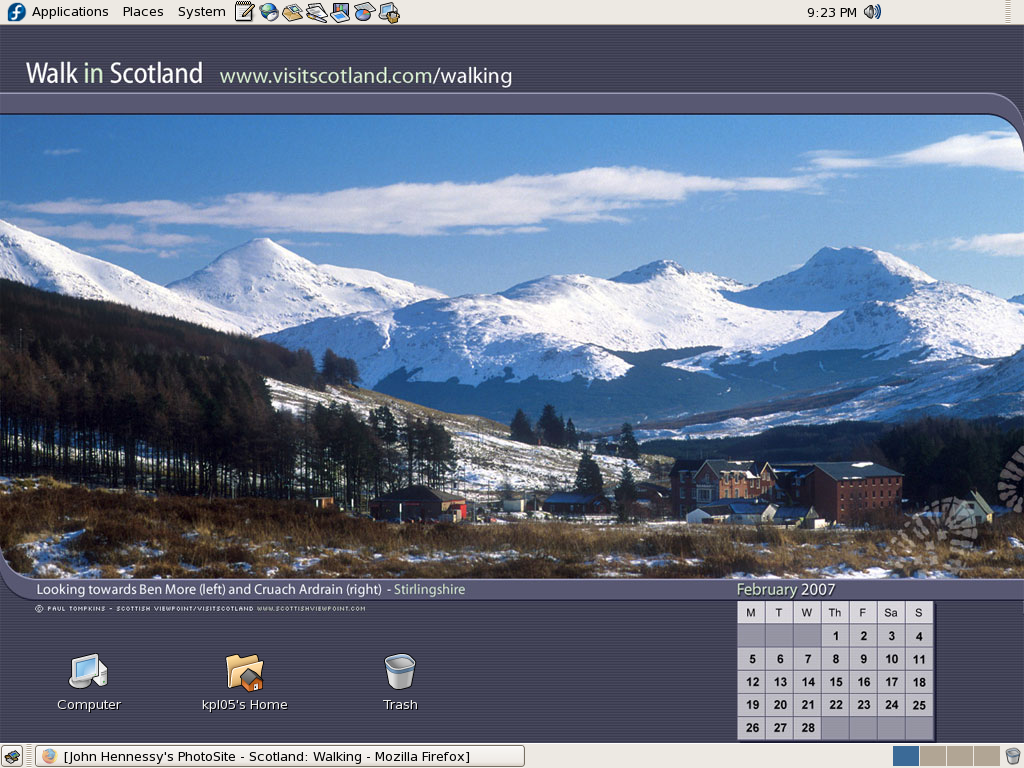
These days, I have virtual machines set up for Ubuntu, Fedora Core and Mandriva while openSUSE is another option. I spent Saturday night poking around in Fedora (I know, I should have better things to be doing…) and it feels very slick, a world away from where Red Hat was a decade ago. The same applies to Ubuntu, which is leagues ahead of Debian, on which it is based. With both of these, you get applications for updating the packages in the distribution; not something that you might have seen a few years ago. Support for audio and printing comes straight out of the box. I assume that scanner and digital camera support are the same; they need to be. Fedora includes the virtual machine engine that is Xen. I am intrigued by this but running a VM within a VM does seem peculiar. Nevertheless, if that comes off, it might be that Fedora goes onto my spare PC with Windows loaded onto one or more virtual machines. It’s an intriguing idea and having Fedora installed on a real PC might even allow me to see workspaces changed onscreen as if they were the sides of a cube, very nice. Mandriva also offers the same visual treat, but is not a distro that I have been using a lot. The desktop environment may be KDE rather than Gnome as it is in the others, but all the same features are on board. The irony though is that, after starting out my Linux voyage on KDE, I am now more familiar with Gnome these days and, aesthetically speaking, it does look that little better to my eye.
So, would I move to Linux these days? Well, it is supported by a more persuasive case than ever it has been, and I would have to say that it is only logistics and the avoidance of upheaval that is stopping me now. If I were to move to Linux, then it would be by reversing the current situation: going from Linux running in a VM on Windows to Windows running in a VM on Linux. Having Windows around would be good for my personal education and ease the upheaval caused by the migration. Then, it would be a matter of watching what hardware gets installed.