Looking at Windows Vista upgrade pricing and installation workarounds
 2nd February 2007
Brain Livingston has described an intriguing way to go using the retail Upgrade editions of Vista to do a fresh installation without having either Windows 2000 or XP installed in the latest edition (free – there is a paid version, but I veer away from information overload) of the Windows Secrets email newsletter: install it twice! After the first time around, it cannot be activated because there is no previous version of Windows installed, yet it is possible to do a Vista to Vista "upgrade", the second installation, and that can be activated. While it is strange behaviour, I suppose that it placates those who think that the full retail packages are far too expensive. They even think that in the U.S.; but "rip off" Britain is getting a lot worse deal because we are not seeing the benefits of the low dollar at all. If all was right, we should be getting Vista at half of the price that we are paying for it. It's enough to drive you to going the OEM option or not upgrading at all, especially since XP will be supported until 2011 (I have seen 2014 mentioned in some places). Livingston will cover the whole OEM discussion in the next edition of Windows Secrets, and I, for one, will be genuinely interested to see what he has to say.
Trying out OpenSolaris
2nd February 2007
Having been programming (mostly in SAS as it happens) on Sun's venerable Solaris operating system platform at work since the start of this year, the chance to try OpenSolaris x86 edition in a VMware virtual machine seemed a good opportunity for advancing my skills.
Before this, my exposure to Solaris was when I was at university and things have moved on a bit since then, not least on the technology side but also in terms of my own skills. In those days, my mindset was fixed by exposure to macOS and Windows with their point-and-click functionality; the fact that the terminals that we were using were ancient didn't make for a positive impression. You can see below what I mean. And the concept of tackling a command line, even one as powerful as that in UNIX, armed with a good book was somehow foreign to me.
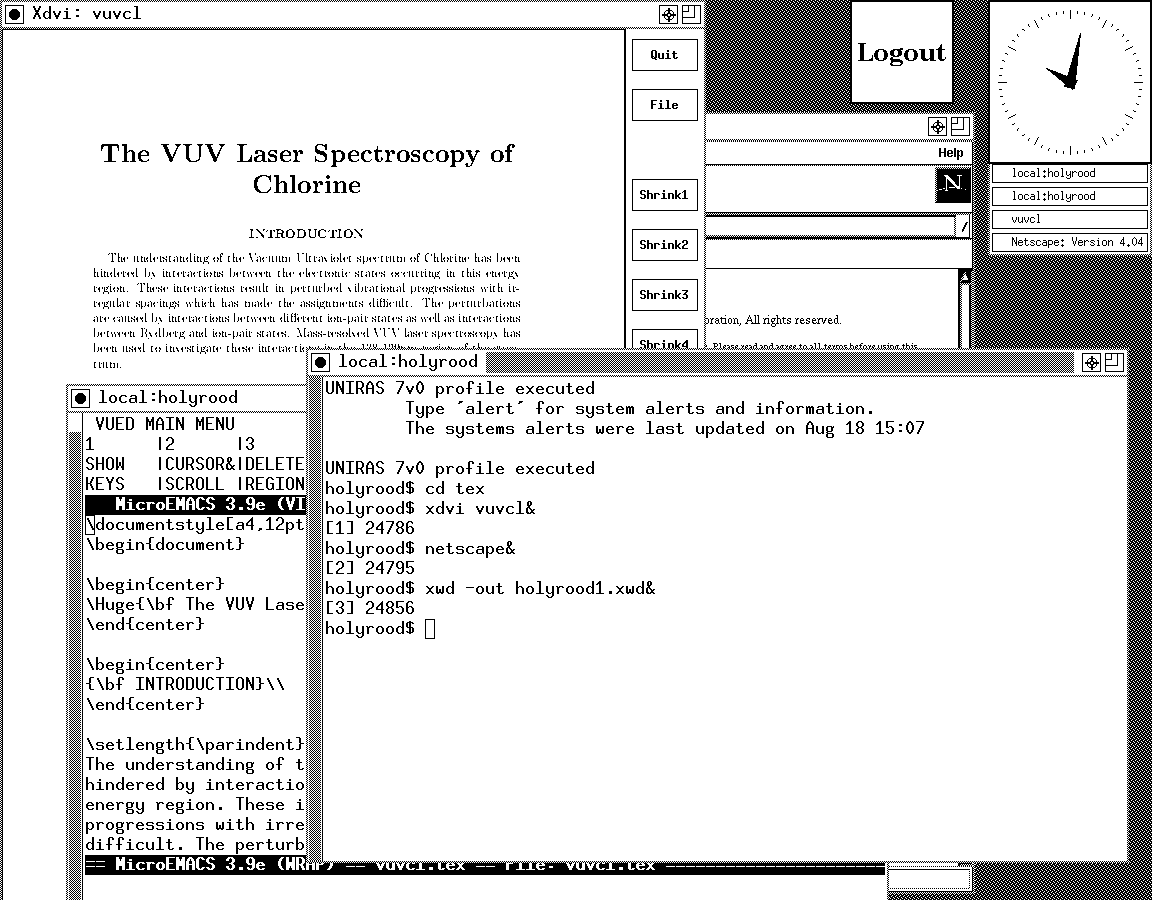
Mind you, in those pre-Safari days, getting your hands on books not in the university library was an expensive outing for the student finances. Armed with years of programming and web development experience, the UNIX command line now looks like a powerful tool to be used to the greatest advantage. Years of exposure to Perl and Linux have made the tool a less daunting one for me. Also, the availability of shell scripting makes the Windows batch file language look positively archaic. The default ksh shell (I believe that it is ksh88) in Solaris is not as friendly as it could be, but bash is available on demand, so life isn't that uncomfortable on the command line.
To date, my experience of OpenSolaris has been brief because I wrecked the installation while trying to sort out an annoying graphics issue that appeared after installing VMware Tools (drivers for various pseudo-devices) on OpenSolaris; I have yet to put things back. The installation procedure is pretty painless for what is a technical operating system. The Community: Tools section of the OpenSolaris website has articles on installation and installation under VMware is discussed on Developer's Quarterdeck Log.
As regards a desktop environment, you have a choice between the ubiquitous Gnome and Sun's own CDE, of which I have seen plenty at work. As it happened, I installed the developer edition, but there are the usual Linux mainstays on the desktop: StarOffice (in place of OpenOffice), GIMP, Mozilla Firefox, etc. One thing that I wasn't able to sort out was the internet connection, and that may be because ZoneAlarm was blacklisting VMware at the time of installation. All in all, it looked like a far friendlier environment for users than that which I encountered during my early years on UNIX. I must get it back in action and take things on from here…