Installing Firefox Developer Edition in Linux Mint
22nd April 2018Having moved beyond the slow response and larger memory footprint of Firefox ESR, I am using Firefox Developer Edition in its place even if it means living without a status bar at the bottom of the window. Hopefully, someone will create an equivalent of the old add-on bar extensions that worked before the release of Firefox Quantum.
Firefox Developer Edition may be pre-release software with some extras for web developers like being able to to drill into an HTML element and see its properties but I am finding it stable enough for everyday use. It is speedy too, which helps, and it has its own profile so it can co-exist on the same machine as regular releases of Firefox like its ESR and Quantum variants.
Installation takes a little added effort though and there are various options available. My chosen method involved Ubuntu Make. Installing this involves setting up a new PPA as the first step and the following commands added the software to my system:
sudo add-apt-repository ppa:ubuntu-desktop/ubuntu-make
 sudo apt-get update
 sudo apt-get install ubuntu-make
With the above completed, it was simple to install Firefox Developer edition using the following command:
umake web firefox-dev
Where things got a bit more complicated was getting entries added to the Cinnamon Menu and Docky. The former was sorted using the cinnamon-menu-editor command but the latter needed some tinkering with my firefox-developer.desktop file found in .local/share/applications/ within my user area to get the right icon shown. Discovering this took me into .gconf/apps/docky-2/Docky/Interface/DockPreferences/%gconf.xml where I found the location of the firefox-developer.desktop that needed changing. Once this was completed, there was nothing else to do from the operating system side.
Within Firefox itself, I opted to turn off warnings about password logins on non-https websites by going to about:config using the address bar, then looking for security.insecure_field_warning.contextual.enabled and changing its value from True to False. Some may decry this but there are some local websites on my machine that need attention at times. Otherwise, Firefox is installed with user access so I can update it as if it were a Windows or MacOS application and that is useful given that there are frequent new releases. All is going as I want it so far.
If all else fails…
3rd June 2010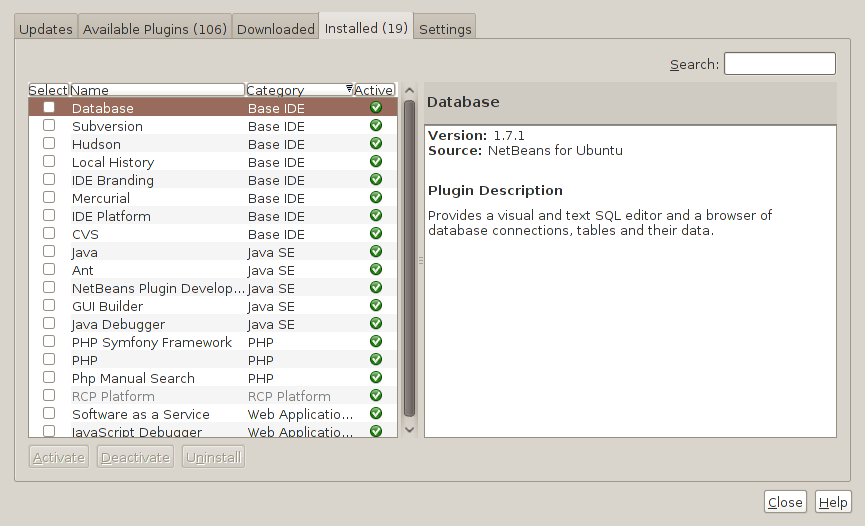
Two problems have come my way that were resolved by removing configuration files and going again. Both affected Linux installations that I have. The Ubuntu installation on my main PC is working well but I ran into trouble starting up NetBeans 6.8. No GUI would ever appear but taking away the .netbeans folder from my home area allowed a fresh start with the IDE starting up as it should. To date, not all the various projects that I have are restored, but that can be done as I go along. Plugins for PHP development needing reinstatement, but that was another easy thing to achieve; just go to Tools -> Plugins on the menus and work with the dialogue box that appears to download and install the needful.
The inspiration for taking the configuration folder from the home area came from needing to address a misadventure with a Debian VM. Perhaps foolishly, I went using gconf-editor on there and messed up the appearance of the terminal window with whatever change I made. Getting rid of the .gconf folder restored order with its recreation by the system. Next time, remembering what changes have been made and reversing them might be the best course of action…
Getting BBC iPlayer going on Ubuntu
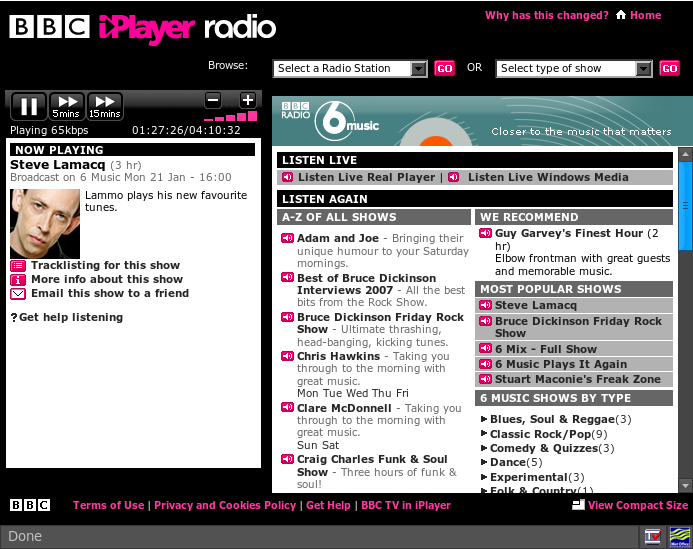
27th January 2008Following on from my earlier musings of the subject, I finally have got the BBC’s iPlayer going on my Ubuntu set up. To do this, I needed to get my hands on the plug-in files nphelix.so and nphelix.xpt. Once that was done (more on how I did that later), I popped the former into /usr/lib/firefox/plugins, the latter into /usr/lib/firefox/components and restarted Firefox. I think that a system restart might have helped me too, even if it was done another reason. The files themselves were culled from the RealPlayer folder populated by the installer (realplay-10.0.9.809-linux-2.2-libc6-gcc32-i586.bin was what I used) that I had downloaded from the Helix Community website; the plugin files were found in the mozilla subfolder under RealPlayer.
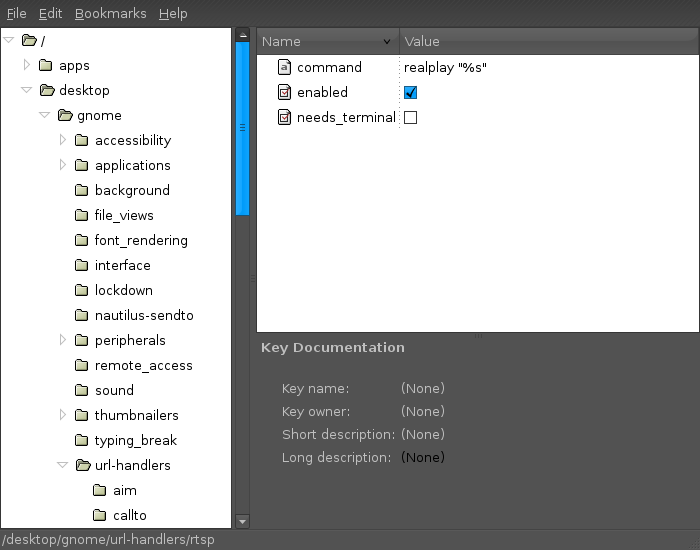
Another thing that I did was to fire Alacarte, Gnome’s menu editor and add Configuration Editor (also known as GConf, I believe) to the System tools submenu on the Applications menu. Once added to the menu, I fired up the said application. Navigating to desktop>gnome>url-handlers>rtsp, I changed the command to realplay "%s". I don’t know if this helps but it certainly was no hindrance and I got the result that I wanted and in high quality audio too.