From real to virtual…
 Published on 9th February 2007
 Estimated Reading Time: 2 minutes
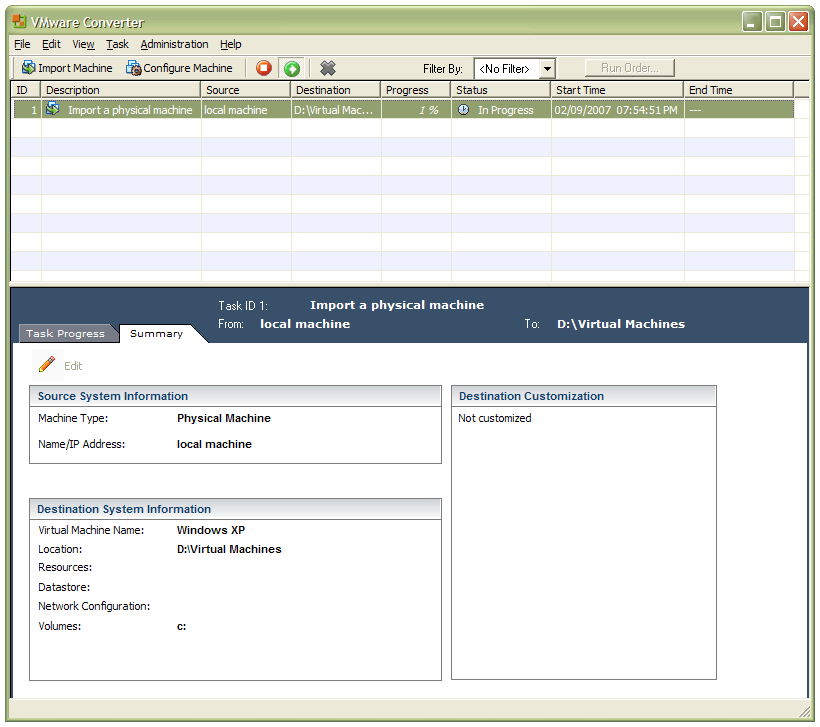
In a previous entry, I mused over a move from Windows to Linux, a suggestion being that Fedora Core Linux would be my base operating system with Windows installed in a Xen virtual machine. That, of course, led me to wonder how I would swap my current situation about: Linux in VM, Windows as host. Meantime, I discovered something that makes the whole process a little easier: VMware Convertor.
The Starter version can be downloaded free of charge, while the Enterprise edition comes with VirtualCenter Management Server for corporate use. What it does is to make a virtual version of a real computer, a process that takes drive imaging much, much further. I have given it a whirl and the conversion seems to go well; the only thing left is for me to fire it up in VMware Workstation - I believe that Player and Server will also run the VM that is created and, like Convertor Starter, they also can be downloaded free of charge; Workstation does everything for me, so I haven't looked beyond it, even though it did cost me money all those moons ago - and get through licence activation issues without leaving me with no authorised Windows installation.