Evaluating Photoshop Elements 5 after having been a user of Paint Shop Pro
 26th January 2007
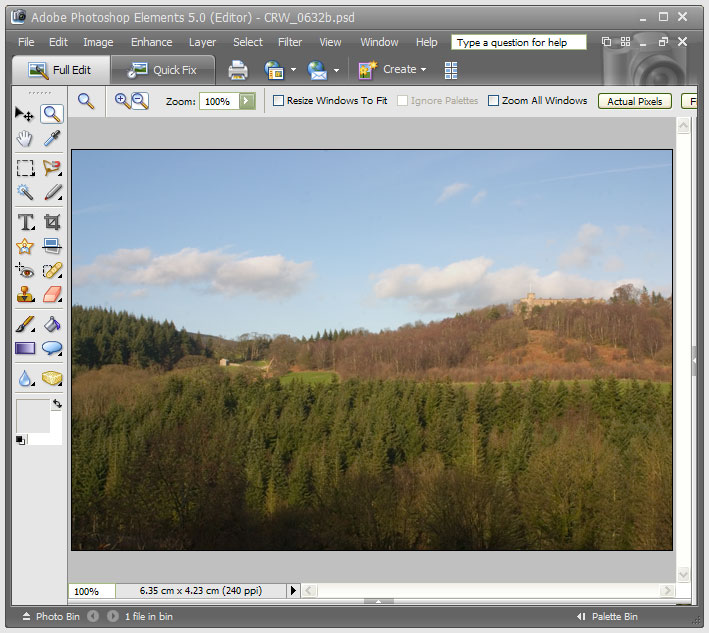
After having a trial version of Corel’s Paint Shop Pro Photo XI on evaluation, I have now moved on to the latest version of Adobe’s Photoshop Elements. Thanks to the digital photography revolution, image editing has become a lot more user-friendly these days. This is no doubt down to companies realising that investing in the development of this class of software does yield a return, and the development effort is progressing things very nicely indeed.
My first exposure to image editing was with Corel’s PhotoPaint, a low profile application that did what I asked of it while guzzling as much of what little memory my PC had in those days (32 MB first, then 64 MB). Paint Shop Pro 5, a popular tool of shareware origins, replaced this, though I must admit that I did briefly encounter the ubiquitous Photoshop at this stage. The PSP commitment continued through versions 7 and 9; though it is only in the later versions that photo processing began to be a significant part of the functionality. PSP XI has taken this further and has add-on tools like SnapFire for downloading photos from cameras. It does feature screen calibration as well, but I found that photos appeared very pale when using the calibrated workspace; maybe I set it up wrong. That said, its assistance in setting the brightness and contrast of my monitor was most useful. Until then, I hadn’t realised the details that I had been missing.
Nevertheless, Adobe’s Photoshop Elements has been able to inspire a certain level of confidence that PSP doesn’t. Even PE 2, which I got bundled with my Canon EOS 10D SLR, had that little extra when compared with PSP 9. For instance, it was PE where I saw the real power of the clone stamping tool. That different in air of confidence also extends to the latest generation.
So, I have found PE 5 worked quickly and that it became easy to generate good results. Features like the levels tool and “Save for the Web” are things that I have found very useful. There are a few minor disappointments, such as not showing the pixel size of the image being edited, a very useful feature of PSP. A bit of clarity around image resizing would also be nice, but I suspect that I may just need to learn a little more. Overall, its speed when it comes to creating nice results swings me away from PSP and may ultimately put paid to any loyalty that I may have owed to Corel’s image editor for the masses. While I think that I will have a go with its big brother, it looks as if I may well acquire PE 5 on a more permanent basis.