Setting up a new hard drive in Windows
 21st January 2007
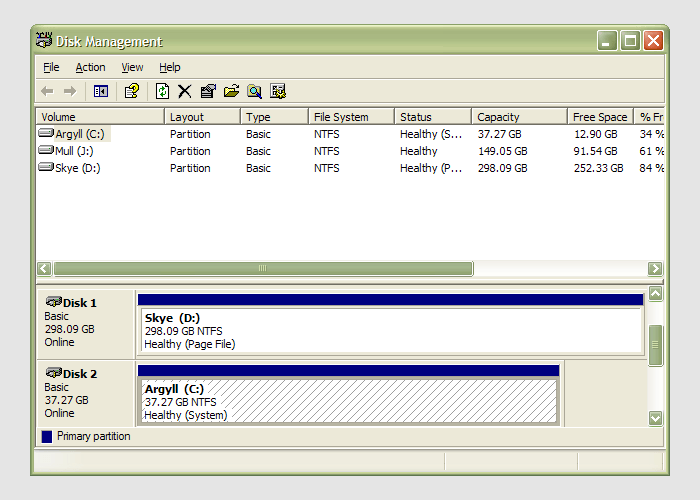
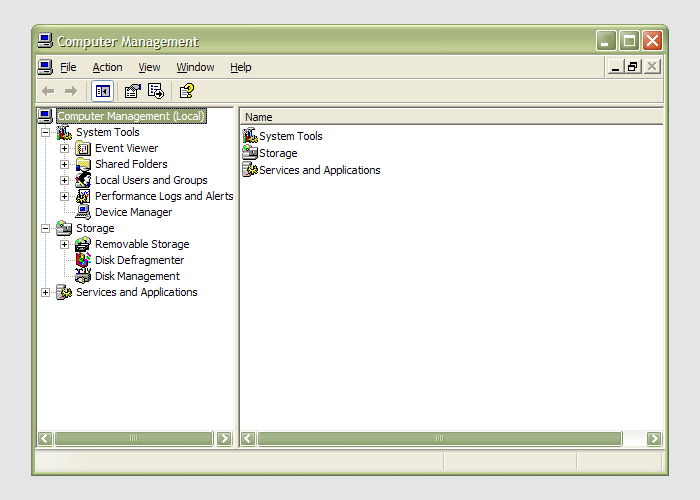 Having during the week obtained a new 320 GB hard drive, today I am adding it to my system after yesterdays scare with a PSU. As with any such item, you need to format and configure it to work with your operating system, be it Windows, Linux or whatever. Good old Partition Magic can help with this (I have version 7 from the Powerquest days) but Windows XP (Professional, anyway) does offer its own tool for the job: the Disk Management console. Unfortunately, it's a bit difficult to find. The easiest way to get to it is to type
 diskmgmt.msc into the Run command box. Otherwise, it is a matter of setting your Start Menu to show the Administrative Tools group (Taskbar and Start Menu properties> Start Menu tab > Customise > Advanced tab) and accessing through the computer Management console, for which there is a shortcut in this group. Of course, you need to have administrator access to your PC to do any of this.